Rizing: A Versatile Pitch Deck Template for Modern Presentations
When you need to present your ideas, whether to a potential client, a room of investors, or your own team, the visual framework you choose speaks volumes before you even begin talking. A cluttered, poorly designed deck can undermine your message, while a clean, professional one builds immediate credibility. This is where a solid pitch deck PowerPoint template becomes an invaluable asset, moving beyond mere slides to become a strategic tool for communication. Rizing is designed with this core principle in mind, offering a foundation that is both visually engaging and remarkably practical to use.
A Design Philosophy Built on Clarity and Flexibility
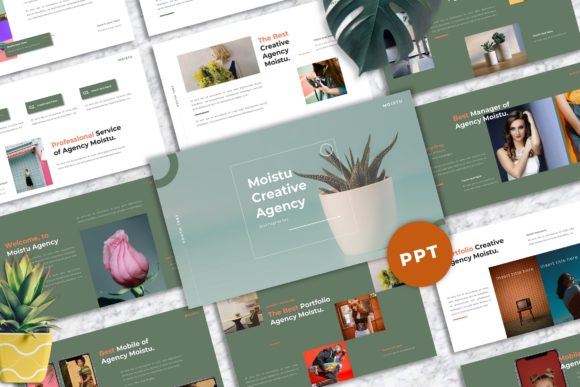
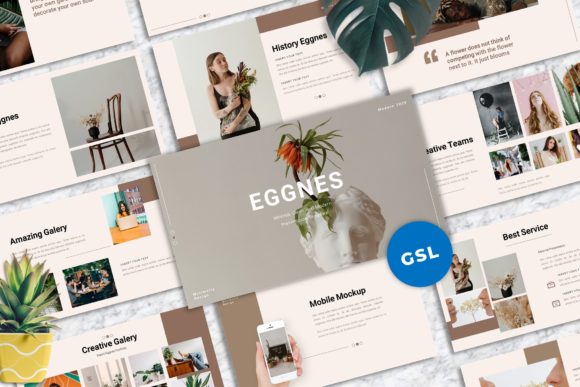
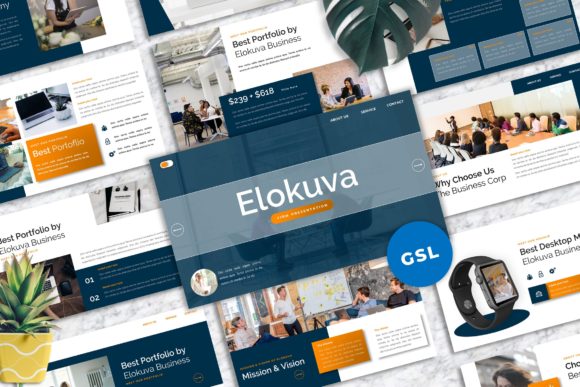
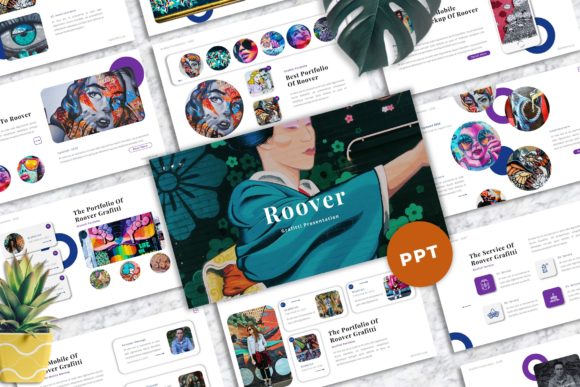
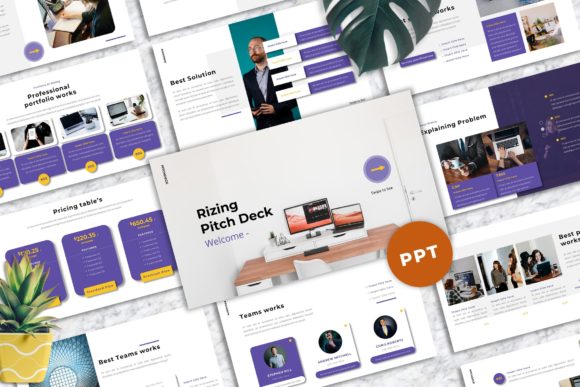
At its heart, Rizing - Pitch Deck PowerPoint Templates embodies a modern, clean aesthetic. The style leans towards a balanced use of serif and sans serif fonts, creating a visual rhythm that is easy on the eyes and guides the viewer's attention naturally. The personality is professional yet approachable, avoiding overly corporate stiffness in favor of a more contemporary, creative feel. This makes it a strong fit for a wide range of users—from a graphic design studio showcasing its portfolio to a tech startup explaining its business model, or a small business owner outlining a new service.
The template's strength lies in its adaptability. With 40 master slide layouts, you're not starting from a blank canvas but from a curated library of compositions. These layouts are built with a strong focus on typography and visual hierarchy, ensuring your content is structured logically. The inclusion of vector-based icons and unique mockup devices (like laptops and phones) means you can integrate visuals seamlessly, creating a polished brand identity throughout your presentation. The 16:9 widescreen ratio is now standard for modern displays, ensuring your work looks sharp and professional in any meeting room or on any screen share.
Practical Applications Beyond the Boardroom
While "pitch deck" is in the name, the utility of Rizing extends far beyond fundraising pitches. Consider these real-world scenarios:
- Creative Agency Portfolio: A designer or photographer can use the picture placeholder and drag-and-drop image features to create a stunning visual showcase. The clean layouts ensure the work itself remains the hero, supported by minimal, elegant typography.
- Marketing Campaign Proposal: A marketer can build a compelling case for a new strategy, using the slides to outline goals, audience insights, and projected outcomes. The consistent design assets help maintain a cohesive brand identity throughout the proposal.
- Educational Workshop or Webinar: The template's clear structure is ideal for instructional content. You can break down complex ideas into digestible points, using icons and mockups to illustrate concepts effectively.
- Personal Project or Hobbyist Showcase: Even for personal use, like documenting a DIY project or presenting a travel itinerary, the template provides a professionally designed framework that elevates the final product, making it more enjoyable to create and share.
The key takeaway is that Rizing functions as a versatile design asset. It’s not a single-use file but a system you can adapt. The easy color change feature is particularly crucial here—it allows you to instantly align the entire deck with your existing brand palette, transforming the template's personality to match your own brand identity.
Maximizing Impact with Smart Design Choices
To get the most out of any premium font or template, a thoughtful approach is necessary. First, before diving into editing, take a moment to plan your content narrative. What is the single most important idea you want your audience to remember? Let that guide your slide selection and sequence from the 40 available layouts.
Next, consider font pairing. The template recommends free web fonts, which is a practical advantage for accessibility and cost. When you install these, pay attention to how the different weights and styles interact. A common and effective strategy is to use a clean sans serif font for body text (ensuring high readability) and a complementary serif font for headings to add a touch of elegance and authority. This creates a clear visual hierarchy without needing complex design rules.
Finally, leverage the vector-based icons and mockups intentionally. They are there to support your message, not decorate it. Use a mockup device to frame a screenshot of your website or app. Use icons to visually represent key points on a slide, making the information scannable. This practice of purposeful design not only enhances professionalism but also improves audience engagement by making your content more accessible and memorable.
In the end, a tool like Rizing - Pitch Deck PowerPoint Templates is about reducing friction. It handles the heavy lifting of layout, alignment, and aesthetic cohesion, freeing you to focus on your story, your data, and your connection with the audience. By starting with a strong, adaptable foundation, you ensure your next presentation is not just seen, but felt and remembered.